All Our VR Workshops
in One Place

21 immersive virtual reality workshops for primary schools — Stone Age to Space, Vikings to Volcanoes. Pick the perfect fit for your class and book in a click.

9 Science VR 12 History VR

See VR in Action

A glimpse of what your students will actually experience
🔬

Science VR Workshops

9 immersive options across biology, physics, geology and the natural world
🦖 Y1–Y6

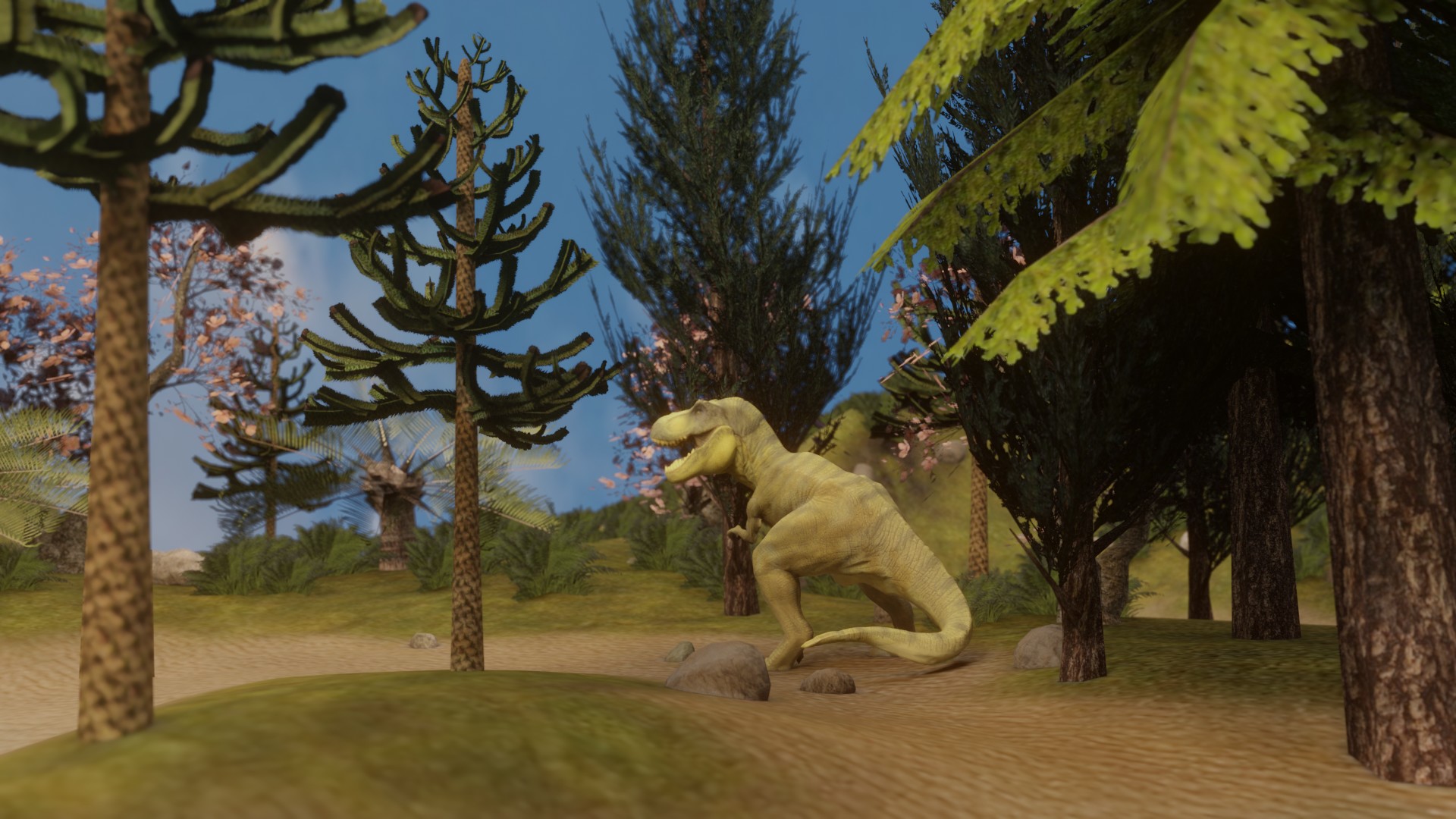
Dinosaurs VR

Bring prehistoric life to vivid reality. Immersive virtual reality combined with hands-on fossils and evolution activities.

❤️ KS2

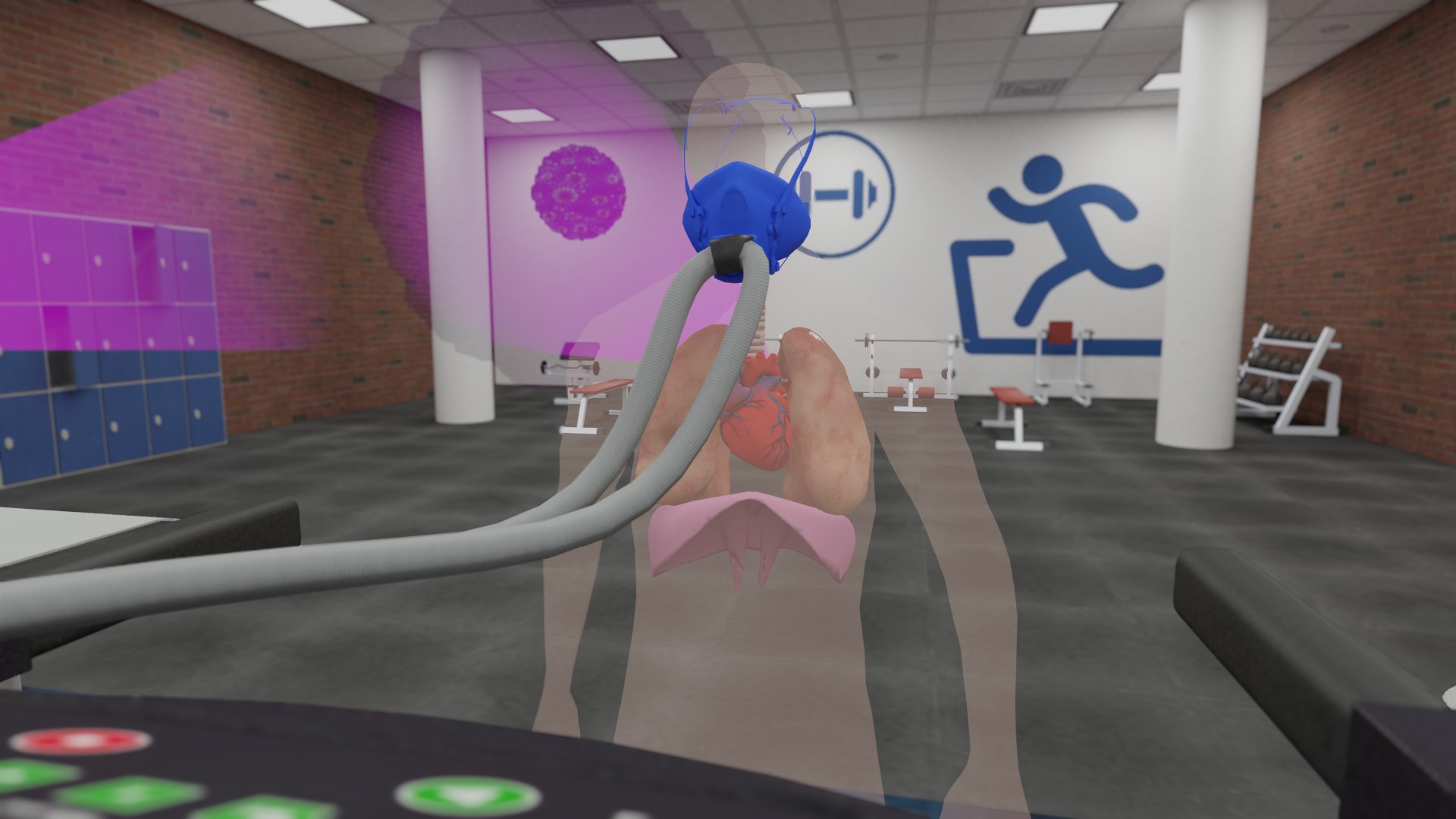
Human Body VR

Take students inside the circulatory system in immersive VR. Heart, blood vessels, and body systems brought to life.

🚀 Y1–Y6

Space Exploration VR

An unforgettable journey through the solar system. Planets, gravity, and the wonders of space — all in immersive VR.

🌋 KS2

Volcanoes & Earthquakes VR

Plate tectonics and rocks brought to life. Stand at the heart of Earth's most powerful geological forces.

KS2

Forces & Motion VR

Make invisible forces visible. Gravity, magnetism, friction and air resistance — explored through immersive VR.

🌍 Y1–Y6

Climate Change VR

Take students to the frontlines of environmental challenges. Real impact, real urgency — through the power of VR.

⛰️ KS1–KS2

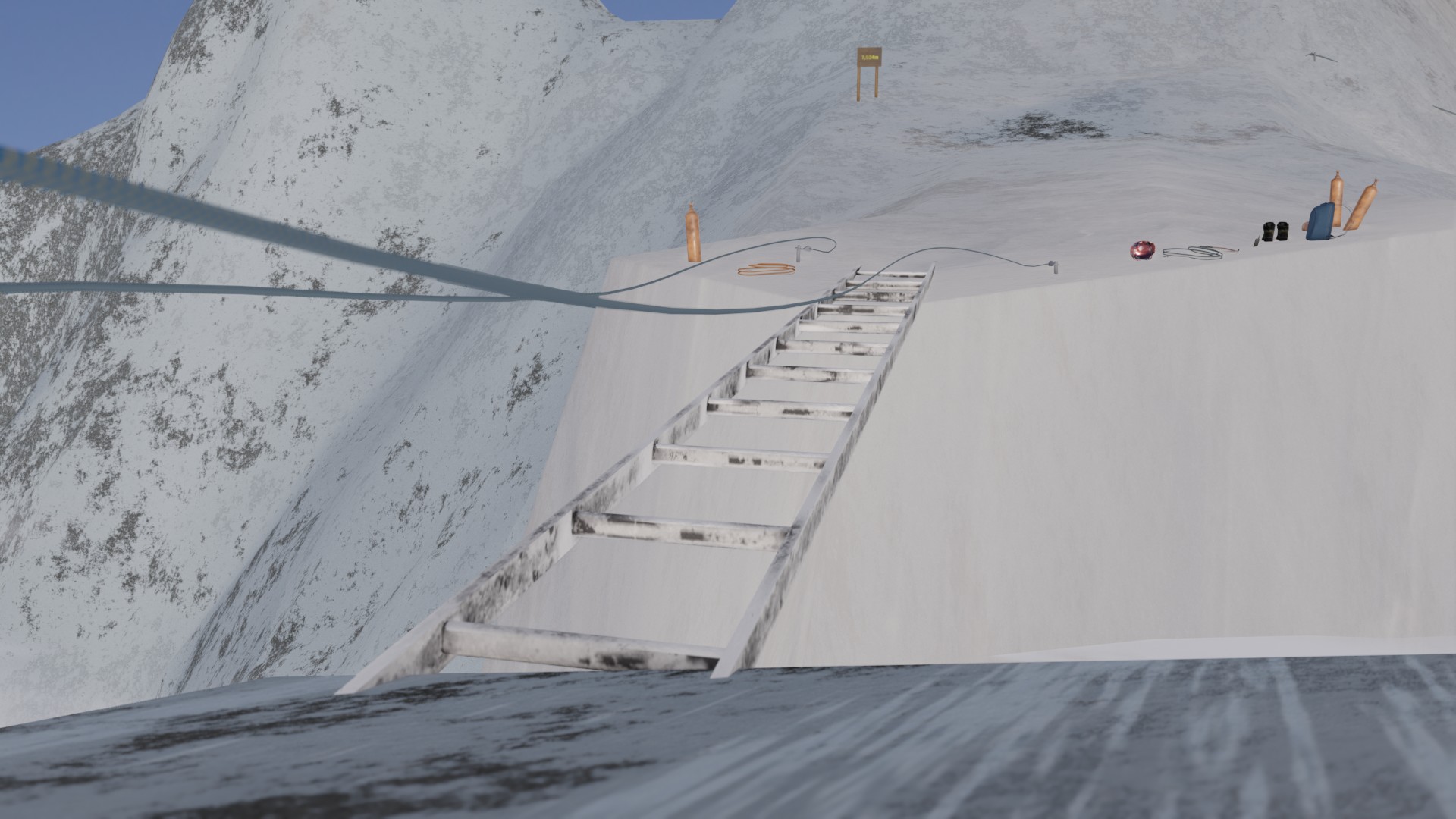
Mountains VR

Climb the world's highest peaks in immersive VR. Geology, geography and extreme environments come alive.

🌳 KS2

Rainforests VR

Deep into the world's most biodiverse ecosystem. Habitats, food chains and conservation — in stunning VR.

🌊 KS2

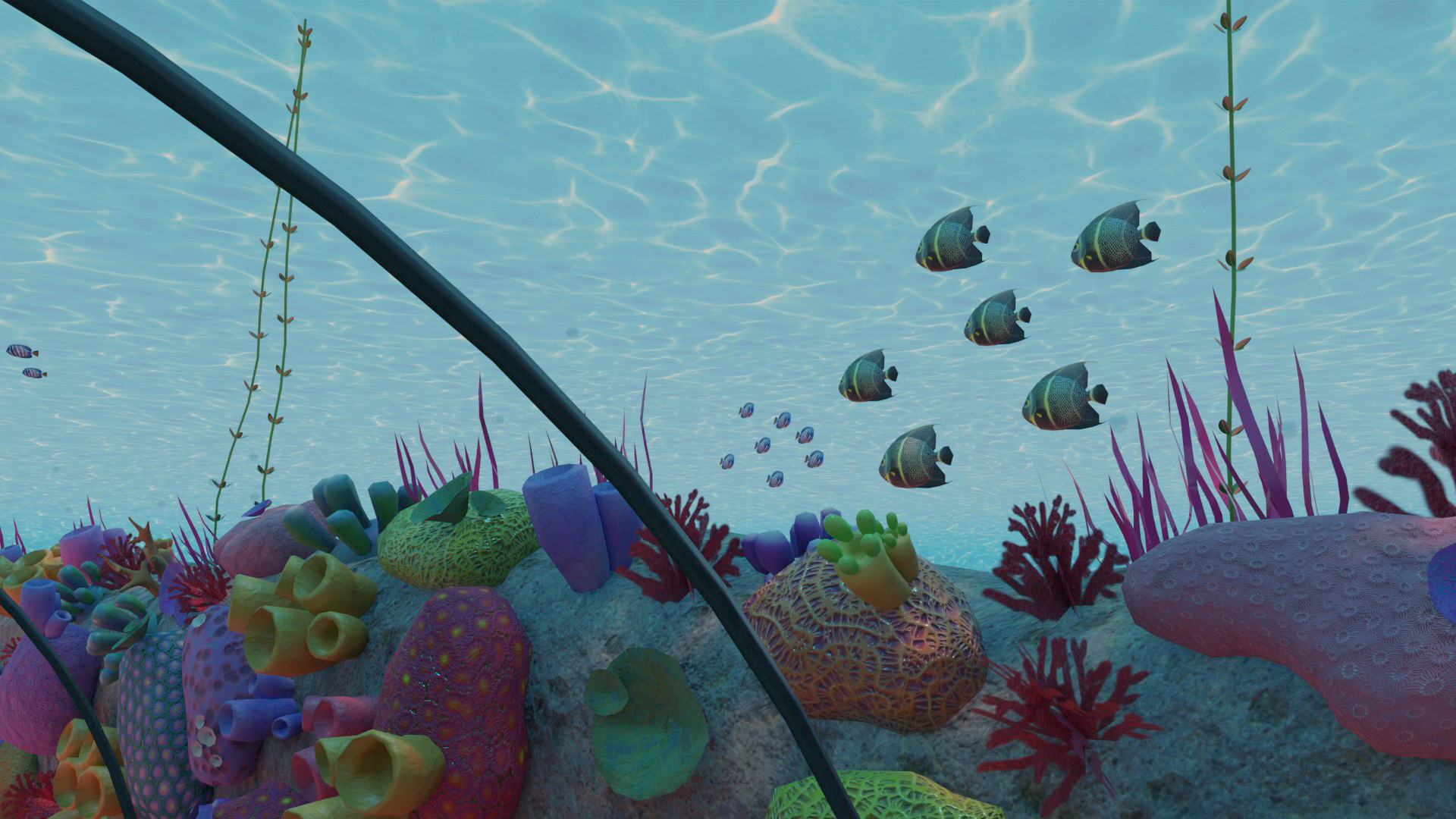
Our Seas VR

Tropical storms, polar ice caps, ocean plastics and recycling solutions. Explore ocean environments through VR.

📜

History VR Workshops

12 immersive options spanning Stone Age to World War 2 — and everything in between
🪨 Y3–Y4

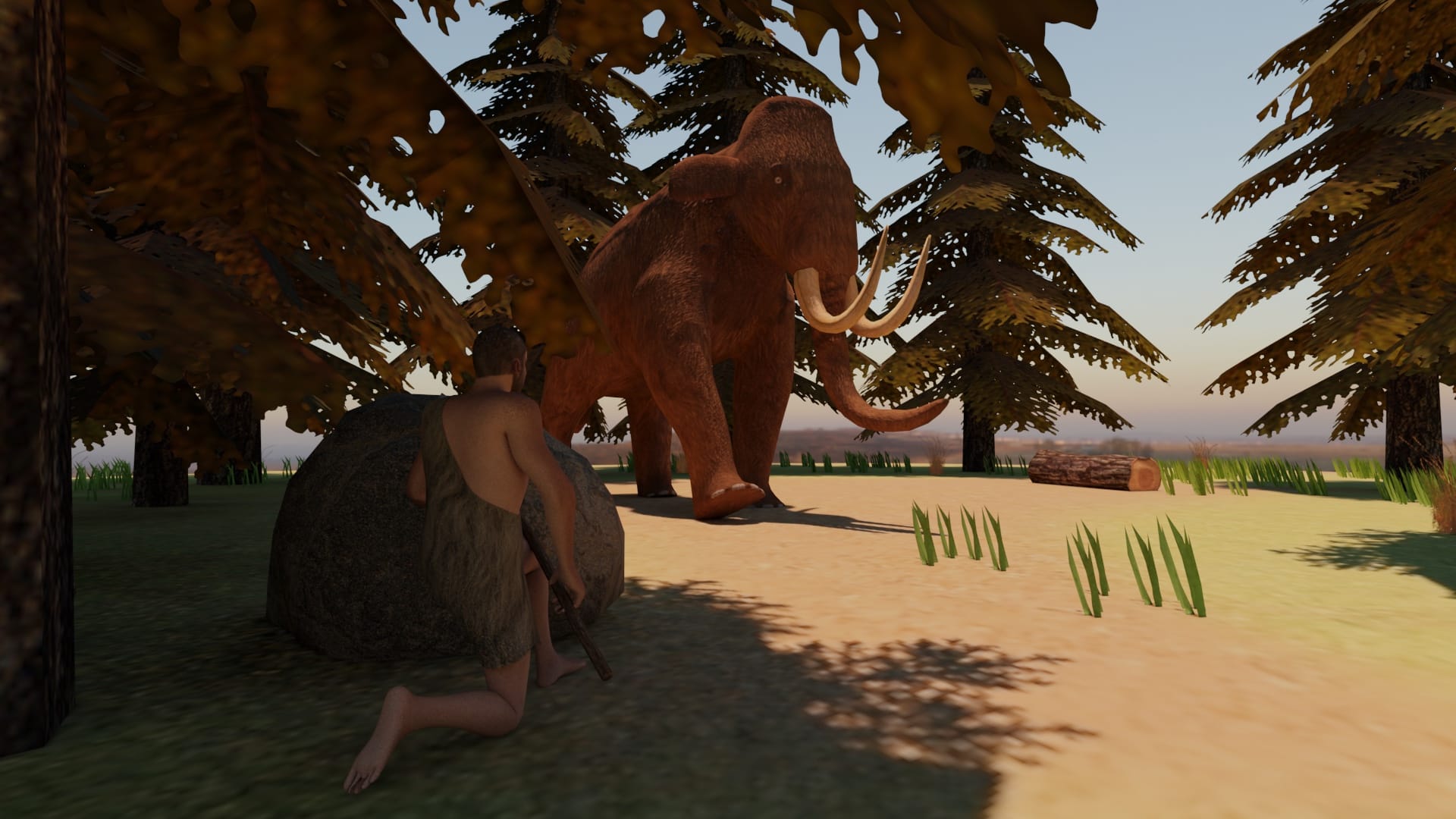
Stone Age VR

Ancient monuments, settlements and daily life during the Stone Age. Experience prehistory through immersive VR.

🏺 Y3–Y4

Ancient Egypt VR

Architectural wonders and cultural practices of Ancient Egypt. Pyramids, pharaohs and daily life — in vivid VR.

🏛️ Y4

Ancient Greece VR

Art, architecture, mythology and culture of Ancient Greece. Walk among the ancients through immersive VR.

🛡️ Y3–Y4

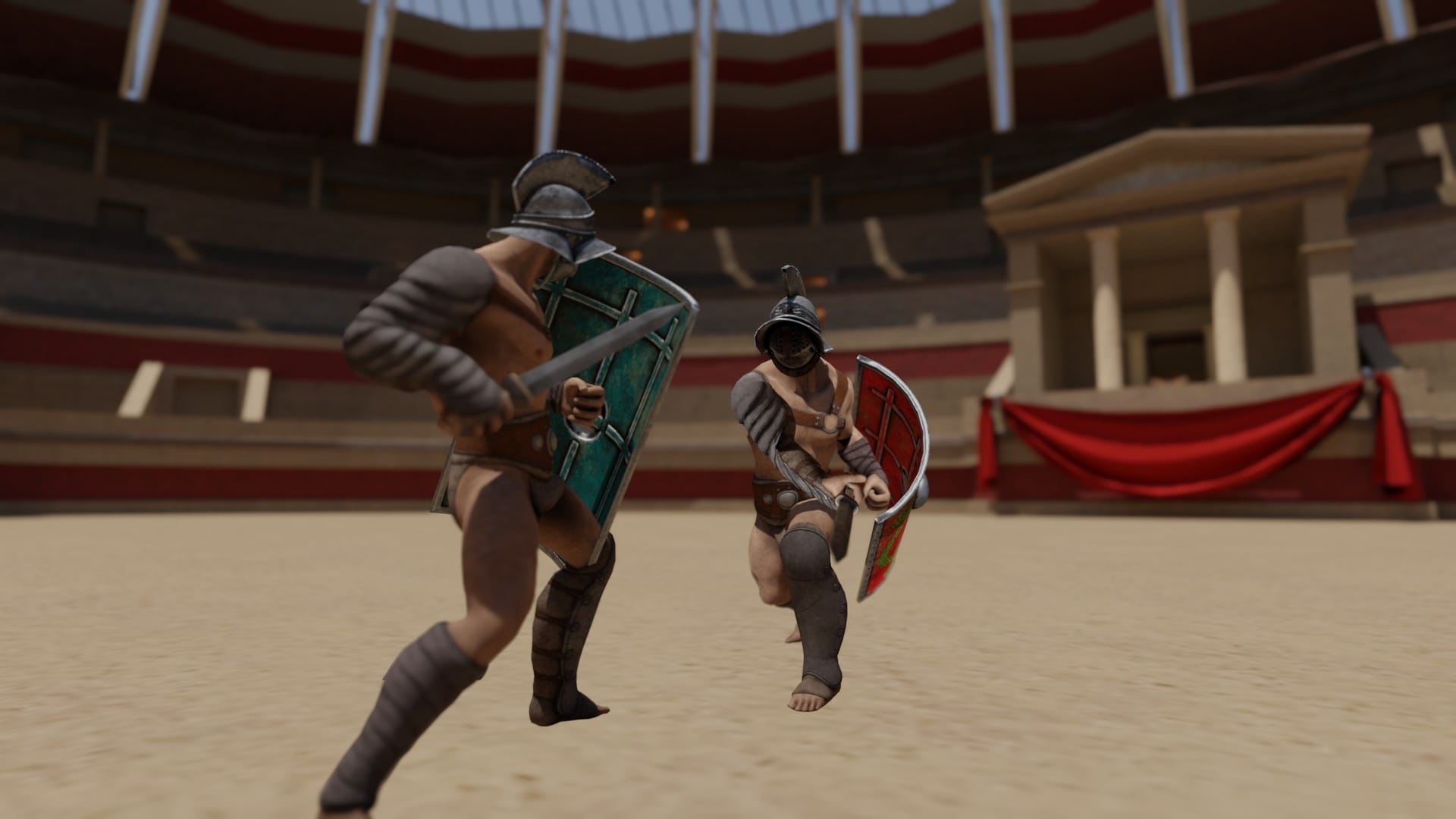
Romans VR

Roman Britain, iconic Roman structures, and everyday life in Ancient Rome. History walks alongside students in VR.

⚔️ Y5

Anglo-Saxons VR

Anglo-Saxon settlements, Sutton Hoo, and the mysteries of runic writing — explored through immersive VR.

Y5

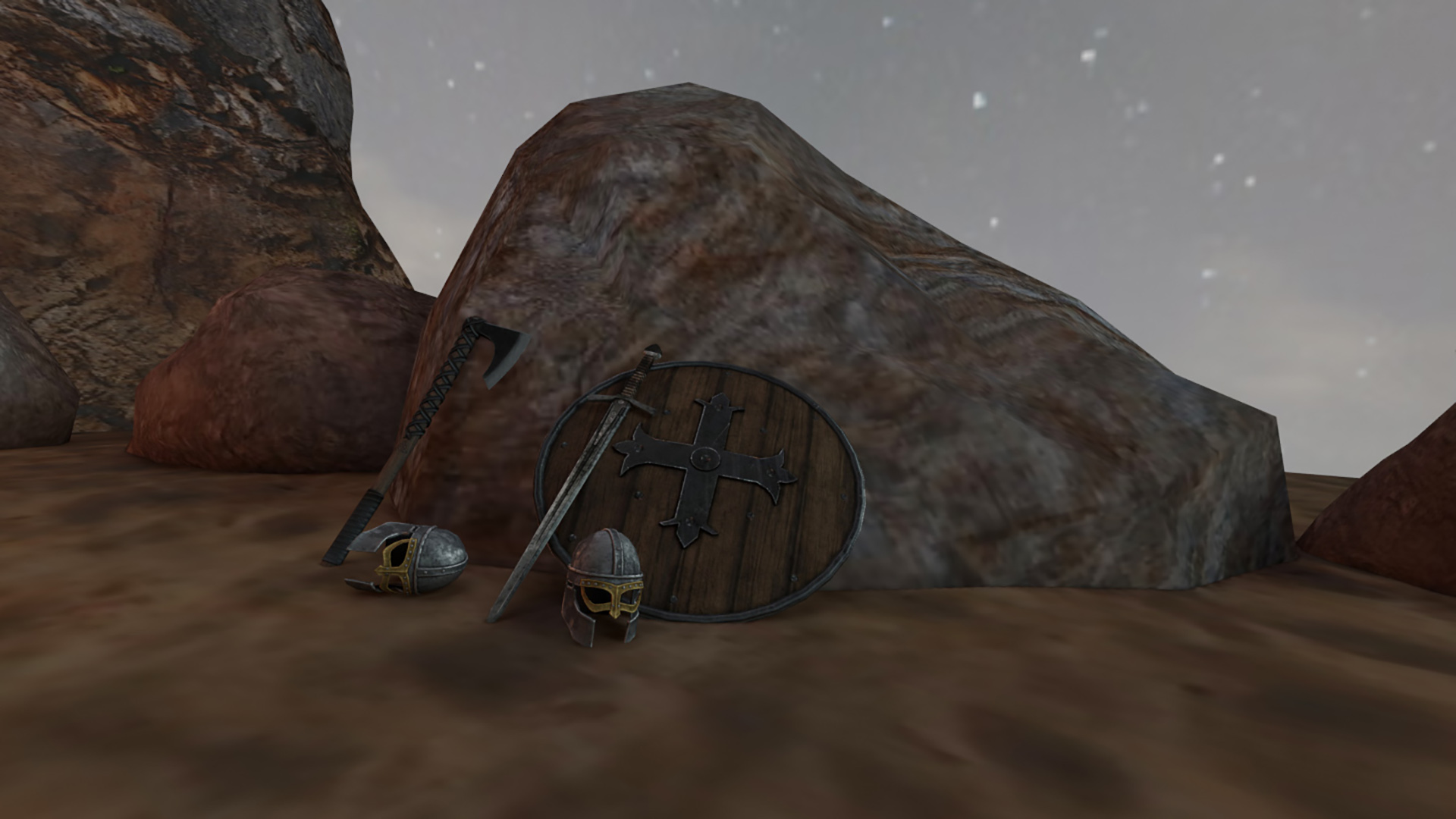
Vikings VR

Viking life, ships, craftsmanship, and exploration. Immersive virtual reality brings Viking history to life.

👑 Y5–Y6

Tudors VR

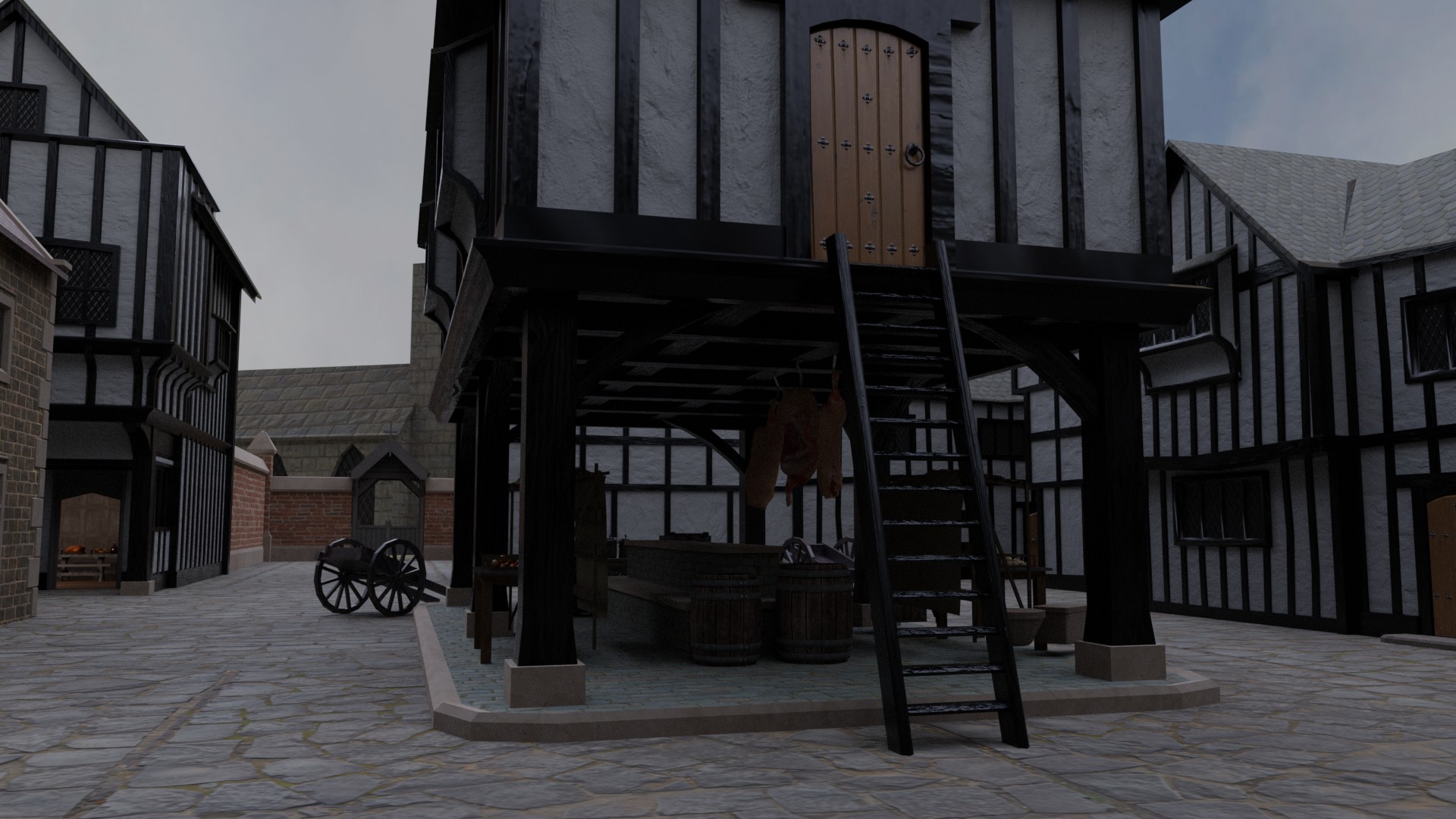
Hampton Court Palace, the Tudor court, and daily life in Tudor England — explored through immersive VR.

🔥 Y1–Y2

Great Fire of London VR

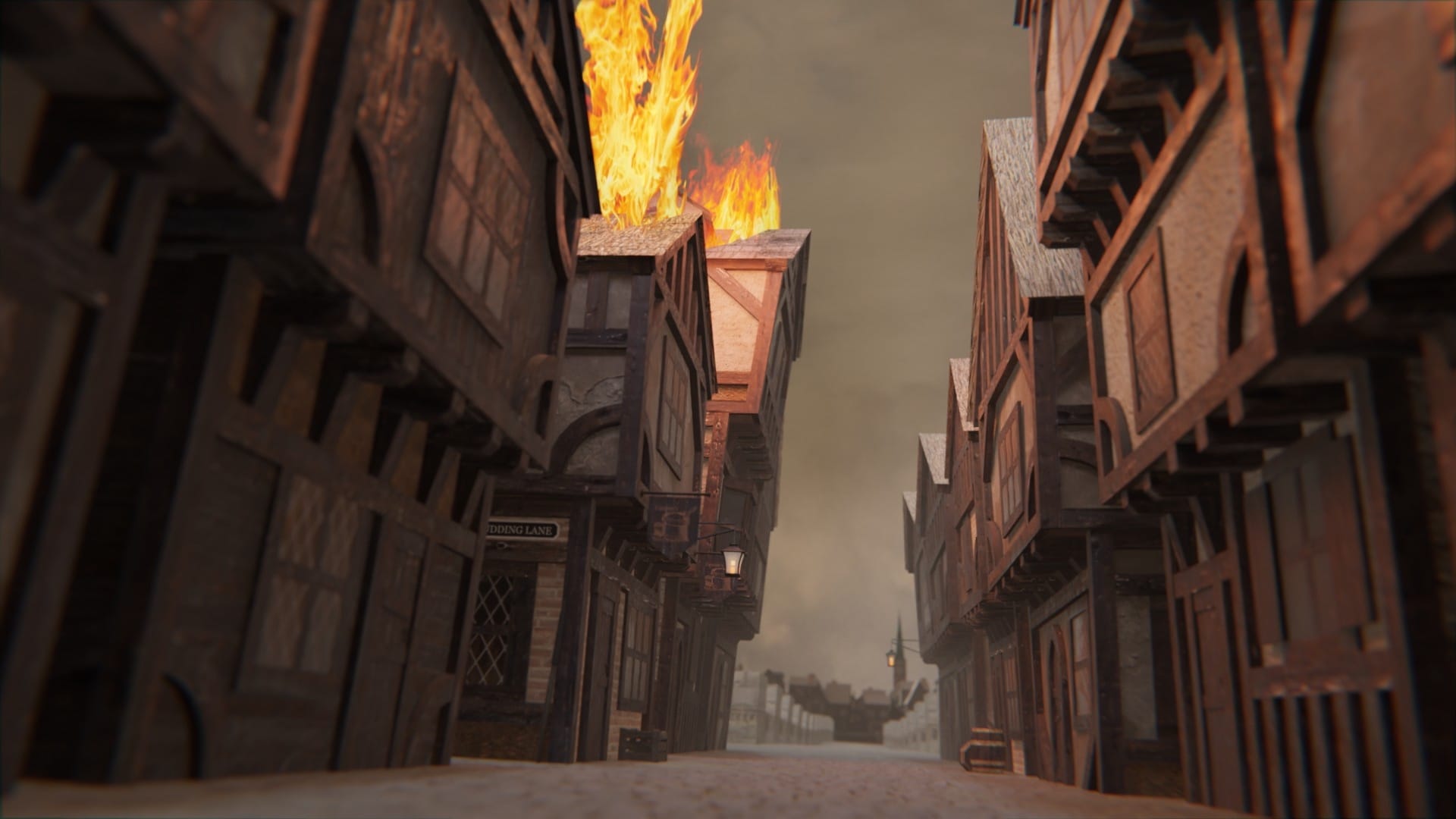
Experience the Great Fire of 1666 in immersive VR. Daily life in 17th-century London and the lasting changes that followed.

✈️ Y5–Y6

World War 2 VR

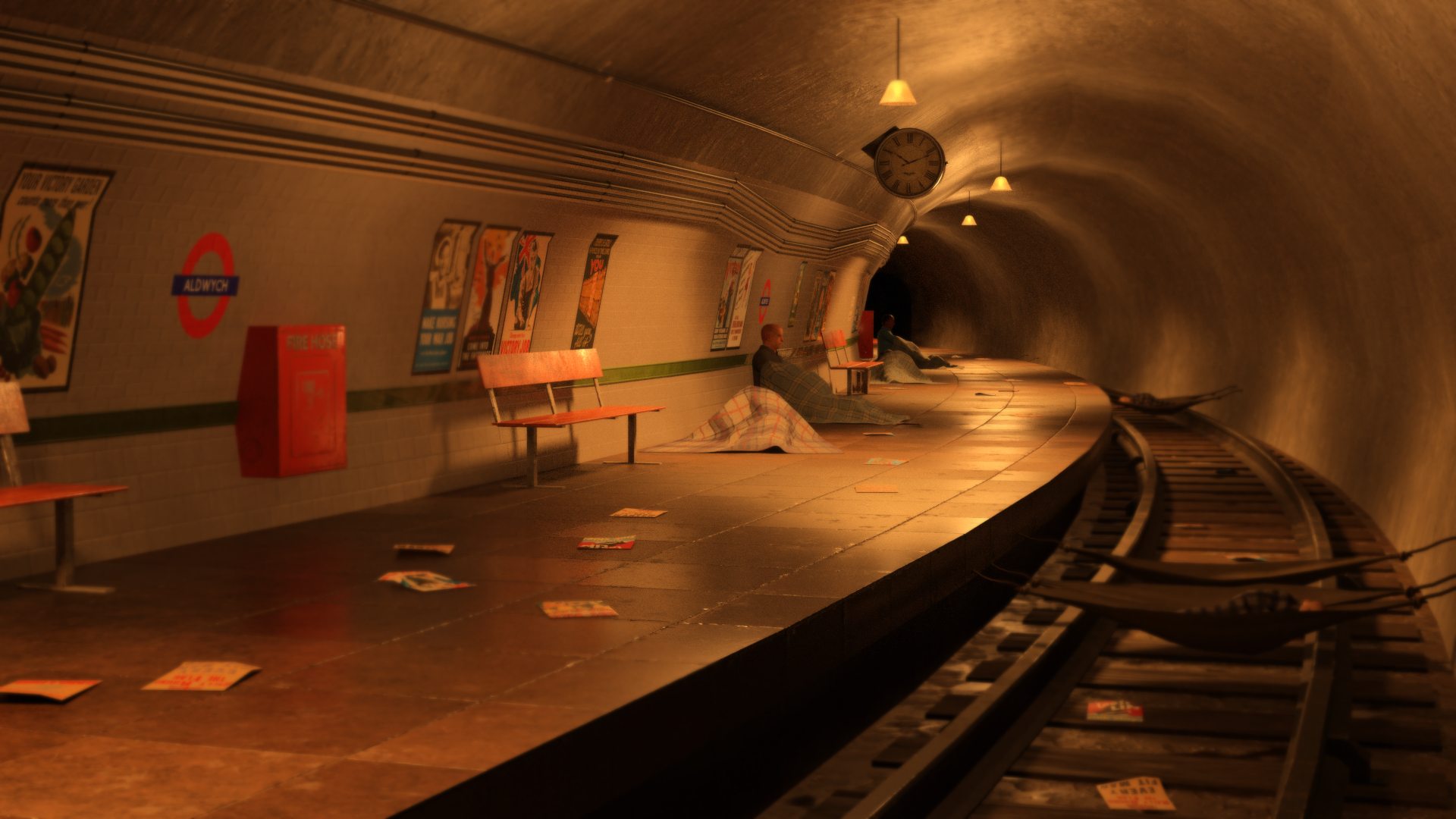
Life during WWII, evacuation, the Blitz, and the resilience of the British people — through immersive VR.

✊🏾 EYFS–Y6

Black History VR

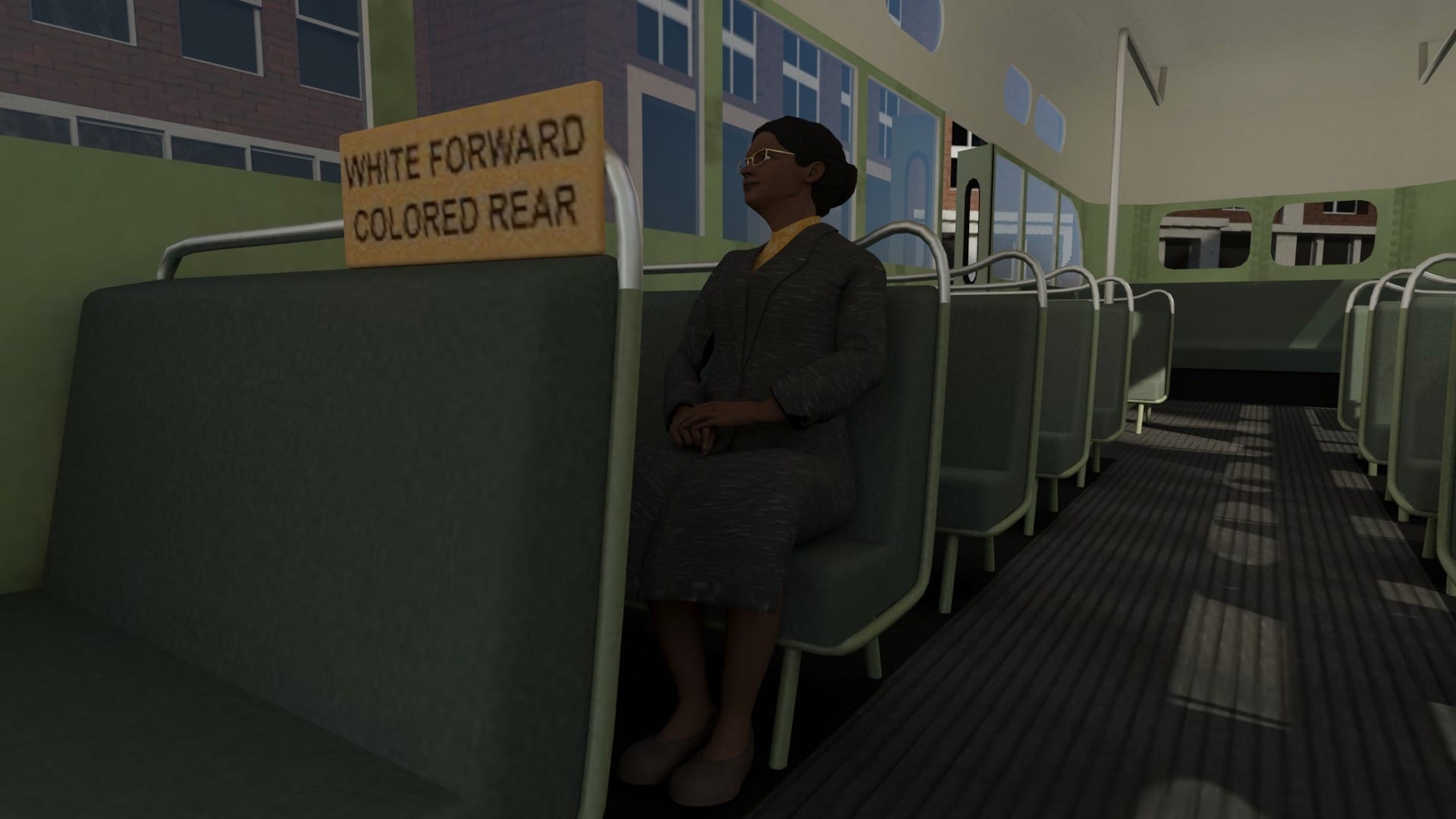
Pivotal moments, influential figures and cultural milestones in Black history — explored through immersive VR.

🧭 EYFS–Y6

Explorers & Famous People VR

Meet history's greatest explorers and significant individuals through immersive virtual reality.

🧸 EYFS–Y2

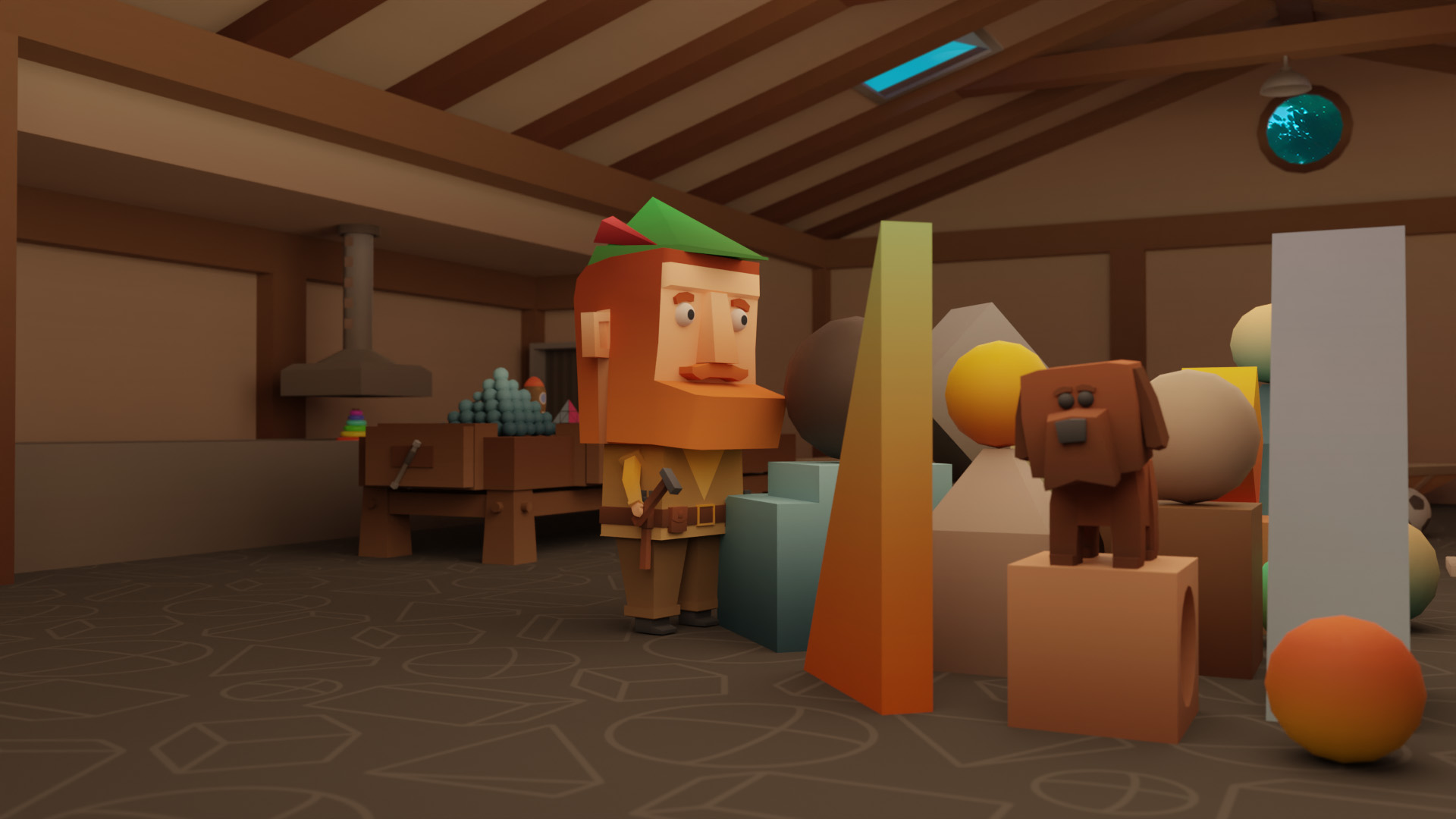
History of Toys VR

The fascinating evolution of toys across the decades — VR-enhanced and perfect for the youngest learners.

💬

How VR Day Works

Everything you need to know to plan a great VR day at your school
4 or 6 topics
Choose up to 4 topics for a half day or 6 topics for a full day. Mix and match across science and history.
16 headsets
Classes of up to 32 students work in pairs — sharing one headset between two so everyone gets equal time.
1–3 mins per element
Pairs rotate between viewing and guiding. Students stay seated throughout, and we build in breaks.
How does a VR workshop actually run?
Sessions are highly interactive. We split your class into pairs, and each pair shares one VR headset — taking turns between viewing and guiding. The partner not in the headset helps to monitor the surroundings and discuss what's being seen. Each VR element runs for 1–3 minutes. We always recommend students bring workbooks to jot down their observations as they go.
What kind of content do students experience?
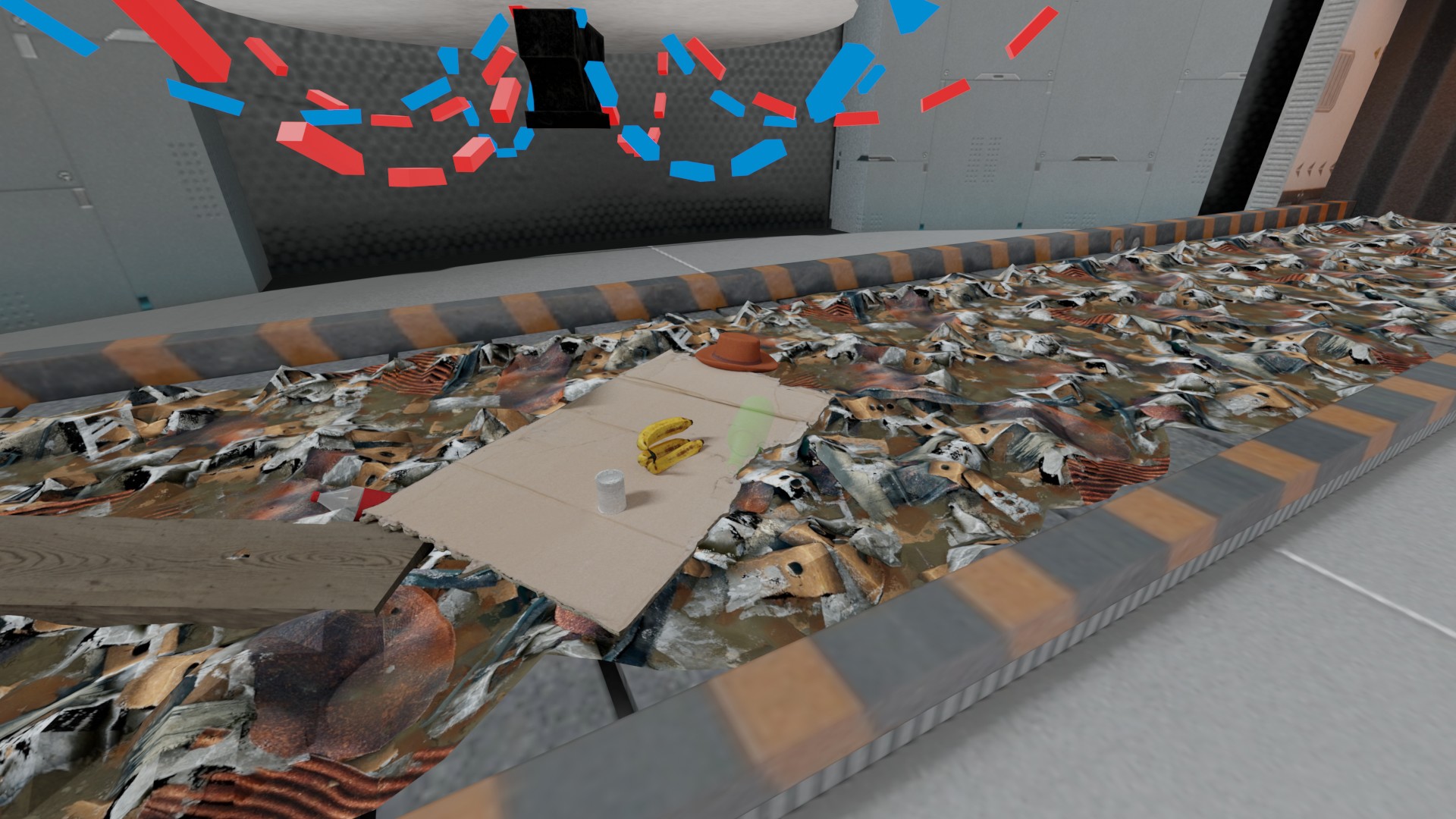
Three types of immersive content: 3D Objects (rotate and zoom around a virtual cube), 360° Real-life Scenes (zoom into actual photographs from real places), and Animated Scenes (explore using a joystick). Together these give students rich, multi-sensory access to the topic.
What space and setup do you need?
A classroom or hall is ideal — students are seated throughout. We'll need the same location all day so we can stick to the schedule. Alternative spaces like school halls, art rooms, music rooms or libraries also work, as long as there's enough seating (chairs or benches). We also need a desk or table for our facilitator. A connection to a smart board is a real bonus — it lets the facilitator share the VR view with the whole class.
What's the facilitator's role?
Our skilled facilitator handles everything VR-related: setting up the equipment, briefing students on safe and effective use of the headsets, then introducing each element with background information. They guide the session pace and leave plenty of time for student exploration and questions.
Is it safe? What about motion sickness?
Student safety is our priority. Students stay seated throughout the VR experience, with the partner not in the headset helping to monitor the real-world surroundings. We build in regular breaks to minimise any risk of motion sickness. If any of your students have light sensitivity, please let us know on the day so we can adjust accordingly.
How do you handle hygiene?
We follow strict hygiene standards. Every headset is wiped down with antibacterial wipes between sessions. To keep things spotless on your side, we ask schools to provide a clean venue and have students wash their hands before the session.
Do you need our school WiFi?
Yes please — Wi-Fi plays a crucial role in our VR sessions. We do bring a portable internet solution as backup, but local school WiFi is much smoother. On the day, please have the WiFi username and password ready for our facilitator. We also recommend coordinating with your IT technician beforehand so they can review firewall settings (we can send you a template message to forward to them, referencing the ClassVR Connectivity Guide).
What if a headset gets damaged?
Our headsets are robust and built to handle regular school use, but accidents can happen. Please make sure a member of school staff is present at all times during the workshop. If a headset or any equipment is damaged, we may need to charge for the replacement.
Tips to make VR day really land?
Three things make a big difference: (1) Build anticipation — announce the workshop a few days early and tell students which topics you've picked. (2) Engage beyond VR — have students sketch or write about their experience right after the session to lock in the learning. (3) Run a class discussion afterwards, so students can share what stood out to them and learn from each other's experiences.
How do we book?
Click "Book this workshop" on any card above and we'll get the right options on the table for your class. Or get in touch directly: email hi@spark2.org, or call +44 (0)203 637 8224. We'll match you with the right workshops and find dates that work for your school.

Not sure which one to pick?

Tell us your year group and topic — we'll match you with the right workshop and arrange dates that work for your school.

Talk to our team →