Safer Internet Day 2027 · Tuesday 9 February

Online safety that
isn’t just a list of rules.

A free, complete plan for Safer Internet Day 2027, built for primary schools. A whole-school assembly you can read straight off the screen, five days that build on each other instead of one isolated lesson, and a letter home that gives parents something more useful than “please monitor screen time”. Everything is on this page. Nothing to sign up for.

Safer Internet Day 2027
Tuesday 9 February · week of Mon 8 – Fri 12 Feb
The 2027 theme
Announced nearer the day — this kit works regardless
EYFS – Y6Whole-school ready
5 daysOne idea per day
~10 minsAssembly script
FreeNo sign-up needed
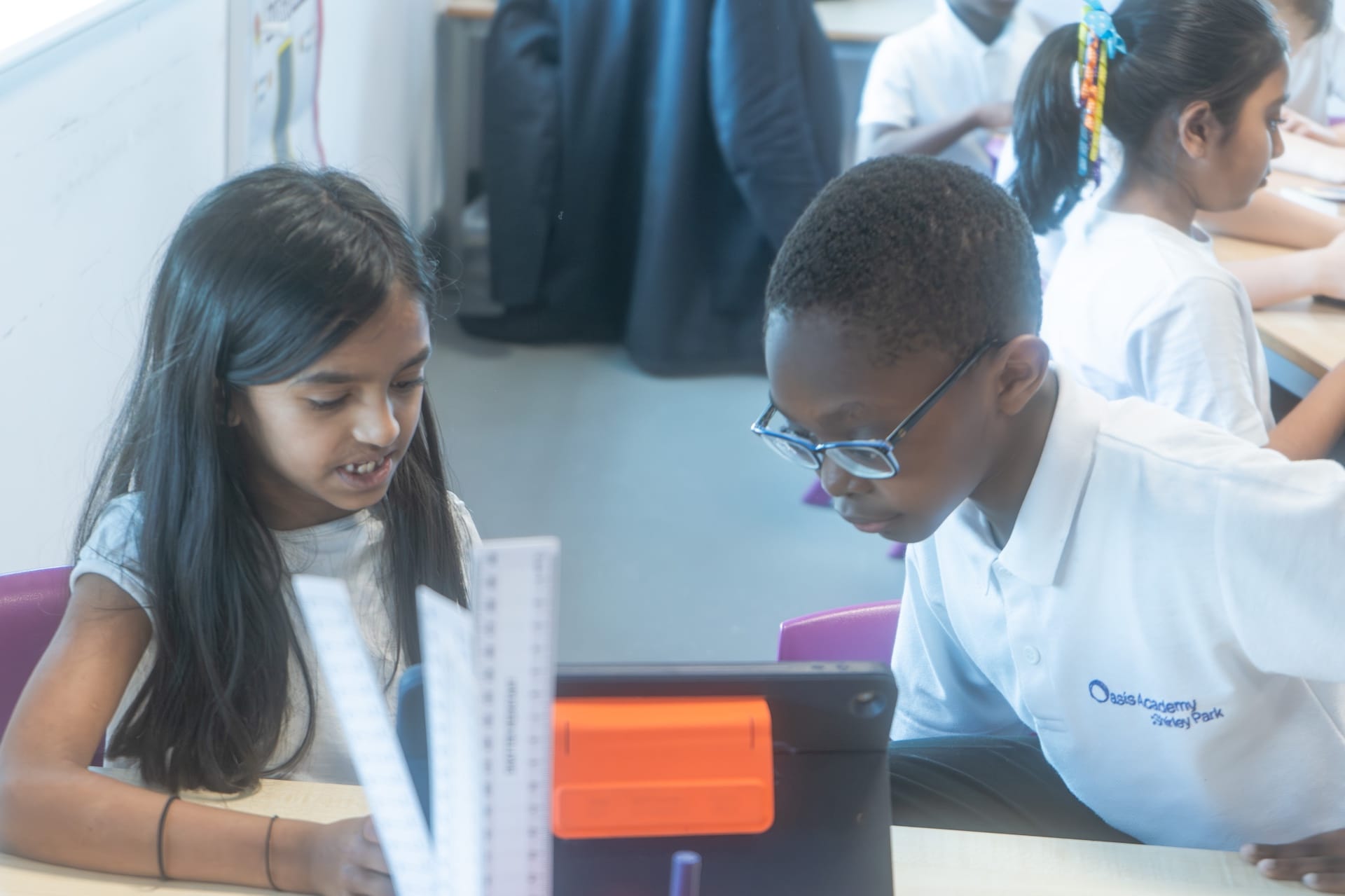
Two primary school children using a tablet together
🔒

The Safer Internet Week Plan

Safer Internet Day 2027 is Tuesday 9 February. One assembly on its own rarely changes behaviour, so this plan runs Monday 8 to Friday 12 February with Tuesday as the anchor. Every day stands alone if you only have one slot.

Mon · Day 1

What You Leave Behind

Digital footprint

Children rarely grasp that online actions persist. Start concrete: everything you post is a footprint, and footprints last much longer than you expect.

Try this: The Footprint Trail. Children cut out paper footprints and write one thing they did online yesterday on each. Stick them in a trail down the corridor. Ask the question that lands: “who else can see this trail?”
Tue · Day 2

Is It True?

Safer Internet Day

The anchor day. Children meet the idea that things online are made by someone, for a reason — and that the reason is not always to tell you the truth.

Try this: Real or Fake. Show four headlines or images. Children vote, then hunt for the tell: who made it, when, and can they find it anywhere else. The surprise is usually how confident they were before checking.
Wed · Day 3

Kind at a Distance

Online kindness

Words land differently on a screen. No face, no tone, no chance to take it back. The gap between what was meant and what was received is where most of the harm happens.

Try this: Say It Out Loud. Children read neutral messages (“ok.” / “whatever” / “fine”) in three different tones. Same words, three meanings. Discuss how the reader chooses which one they hear.
Thu · Day 4

Who Is Actually There?

Privacy · telling someone

Private information, and the single most important message of the week: if something online makes you uncomfortable, you tell a grown-up, and you are never in trouble for telling.

Try this: Keep or Share. Sort cards into two hoops — things it is fine to share (favourite colour, football team) and things we keep private (full name, address, school, where we will be on Saturday).
Fri · Day 5

The Family Agreement

Taking it home

The week only works if it leaves the building. Children draft an agreement to negotiate with the adults at home — which puts them on the same side as their parents rather than opposite them.

Try this: Our Family Agreement. Children write three rules for the children and two rules for the grown-ups. The second half is the bit that gets talked about at home.
A note for staff before you start

Online safety lessons surface disclosures. That is a sign the teaching worked, not that something went wrong — but it means the week should start with your DSL knowing it is happening, and every adult running a session knowing your school’s reporting route.

Two small things that help. Give children a way to raise something without saying it out loud in front of the class — a worry box, or a slip they can hand in. And be careful not to promise confidentiality: “I will always help you” is a promise you can keep; “I won’t tell anyone” is not.

Children can also contact Childline on 0800 1111, and anything involving an adult behaving inappropriately towards a child online should go to CEOP at ceop.police.uk. Both are worth putting on the classroom wall for the week.

📣

Assembly Script

A whole-school assembly for Safer Internet Day. About 10 minutes, Reception to Year 6. Read it straight from this page, or paste it into your own slides — it works without images.

8 parts · ~10 minutes · Reception–Year 6 See the week it launches →
Pacing note. Read straight through, the script itself is about six minutes. The rest of the ten is pauses, children answering, and the moments where you hold something up — assemblies always run longer than the page suggests. If your slot is tight, drop one of the shorter parts rather than rushing the whole thing. We are adding demonstration moments to this script ahead of 2027.
Part 1
~1 min

Open without the lecture

Resist starting with a warning. Start with something they recognise.

“Hands up if you have ever watched a video online. Keep them up if you have ever watched one you did not go looking for — it just appeared, and you watched it anyway. Look around. Almost everybody. Today is Safer Internet Day, and I am not going to spend it telling you the internet is dangerous. You already know it is brilliant. I want to talk about something more interesting.”
Part 2
~1.5 min

Everything online was made by somebody

The central idea of the whole week. Say it slowly.

“Here is the thing I most want you to remember. Everything you see online was made by a person. Every video, every photo, every message, every advert. A person made it, and they made it for a reason. Sometimes the reason is to make you laugh. Sometimes it is to sell you something. Sometimes it is to make you believe something that is not true. The question is not ‘is the internet good or bad’. The question is ‘who made this, and why’.”
Part 3
~1.5 min

The footprint

Make persistence concrete with a physical image.

“When you walk across wet sand you leave footprints, and the tide washes them away. Online is not like that. When you post something, or send a message, or put a photo in a group chat, you leave a footprint — and there is no tide. It can be copied, screenshotted, forwarded. Here is the test I want you to use. Before you send something, picture it on the screen in this hall, with everyone looking at it. If that makes you feel a bit sick, do not send it.”
Part 4
~1.5 min

Words land differently on a screen

Bridge to kindness. The tone demonstration works brilliantly live.

“I am going to say one word three times. [Say ‘fine’ warmly, then flatly, then coldly.] Same word. Three completely different meanings — and you could tell, because you could see my face and hear my voice. Now take all of that away. Just the word, on a screen. The person reading it decides which one you meant. That is why things go wrong online between people who actually like each other.”
Part 5
~1 min

Private means private

Keep it practical and specific. Name the categories.

“Some things are fine to share. Your favourite colour. The team you support. The book you are reading. Some things we keep to ourselves: your full name, where you live, the name of this school, your birthday, and where you are going to be on Saturday afternoon. Not because something terrible will definitely happen — but because those are the pieces somebody would need, and there is no good reason for a stranger to have them.”
Part 6
~1.5 min

You will never be in trouble for telling

The most important ninety seconds in the assembly. Do not rush it.

“Now the most important thing I will say all day. Sometimes something online will make you feel worried, or confused, or a bit sick in your stomach. When that happens, you tell a grown-up you trust. And here is my promise: you will never, ever be in trouble for telling. Not even if you broke a rule to get there. Not even if you were somewhere you were not supposed to be. The grown-ups in this school would much rather know and help than have you carrying it on your own. If it is easier to write it down than say it, write it down. If it is easier to tell someone outside school, Childline is 0800 1111 and they are there all day and all night.”
Part 7
~1 min

Be the one who checks

Give them an identity to step into, rather than a rule to obey.

“There is a kind of person I want you to be this week. Not the person who believes everything. Not the person who believes nothing either — that is just as lazy. The person who checks. Who says ‘hang on, where did that come from?’ before they share it with everyone they know. That is a genuinely useful thing to be, and most adults are not very good at it.”
Part 8
~1 min

Close with a job

End on an instruction they can actually carry out.

“So, three things this week. Check before you share. Picture it on the screen in this hall before you send it. And if something worries you, tell someone — today, not next week. On Friday you are going to write an agreement to take home, and it includes rules for the grown-ups too. I am told some of them need it. Have a good week.”
✨

Classroom Activities

Two per phase. 25–45 minutes each. None of them need devices — which is deliberate, because the thinking is the point.

KS1 · EYFS–Y2

Keep It or Share It

Time: 25 minutes · Day: Best on Thu (Who Is Actually There?)

A sorting activity that gives young children a usable rule for private information, without frightening them.

  1. Put two hoops on the carpet: KEEP IT and SHARE IT.
  2. Hand out cards, one per child: favourite colour, my address, my pet’s name, my full name, the book I like, my school, my birthday, my favourite dinner, where I am going at the weekend.
  3. Each child places their card and says why. Let the class disagree — the arguing is the learning.
  4. Draw out the rule together: we keep the things that tell someone where to find us.
  5. Finish with: “who can you tell if something online makes you feel funny inside?” Name actual adults in your school.
Materials: Two hoops or two labelled trays, printed or hand-written cards.
KS1 · EYFS–Y2

Say It To My Face

Time: 30 minutes · Day: Best on Wed (Kind at a Distance)

Children feel the difference between a message typed and the same words said to someone standing in front of them.

  1. In pairs, one child writes a short unkind-but-mild message on a slip (“you’re rubbish at this”). Keep it gentle — you set the ceiling.
  2. They swap slips and read them silently. Ask: how did that feel?
  3. Now the writer has to say the same words out loud, to their partner’s face. Most children cannot do it.
  4. Discuss the gap. Why is it easier to type? What does that tell us about what to do before we press send?
  5. Rewrite every slip into something you would be happy to say out loud. Display the rewrites.
Materials: Paper slips, pencils. Set the tone firmly at the start — this needs your steer.
KS2 · Y3–Y6

Spot the Tell

Time: 45 minutes · Day: Best on Tue (Safer Internet Day itself)

Children learn a repeatable method for checking a claim, rather than relying on whether it “feels” true. The method matters more than the examples.

  1. Teach three questions first: Who made this? When? Where else can I find it?
  2. Show four items on the board — two true, two not. Use genuinely plausible ones; obvious fakes teach nothing.
  3. Children vote first, privately, on paper. Then apply the three questions in pairs.
  4. Reveal. The learning moment is the gap between the confident first vote and the checked answer.
  5. Close on the honest bit: sometimes you check and you still cannot tell. The right answer then is “I don’t know” — and not sharing it.
Materials: Four prepared examples, voting slips. The UK Safer Internet Centre publishes fresh age-appropriate examples each January.
KS2 · Y3–Y6

Did You Ask Them First?

Time: 40 minutes · Day: Best on Mon (What You Leave Behind)

Consent, taught through photographs. The angle children rarely consider: it is not only your own footprint you are making.

  1. Scenario one: a child takes a funny photo of their friend mid-sneeze and posts it. Was anything wrong? Vote and argue.
  2. Scenario two: the same photo, but the friend had asked them not to. Scenario three: it goes into a group chat of thirty.
  3. Draw out the principle: the person in the photo gets a say in where it goes.
  4. Turn it around — children write a short list titled “things I would not want posted about me”. They keep this one private.
  5. Extend to adults: many children have a footprint their parents made for them before they could object. Worth saying out loud.
Materials: Three written scenarios, voting cards, paper. No devices needed.

Get the editable version — and the rest of the year’s packs

We build a free classroom pack for every major date in the primary calendar. Tell us where to send them and you will get each one the week it lands, plus the editable slides for this assembly so you can put your own school’s reporting routes on it. One email a month at most.

Please add a valid email address.
Thank you — you are on the list.
The next pack out is British Science Week 2027 (5–14 March, theme Creativity) — and it is already live if you would like it now.
💬

Parent Communication Template

Send home on the Monday, or drop into the newsletter. Written to give parents something to do, rather than something to worry about.

Letter / Newsletter Insert

Safer Internet Day at [School Name]

Dear Parents and Carers,

Tuesday 9 February is Safer Internet Day, and we are using the whole week to do rather more than one assembly.

Across the week the children will look at the footprint they leave online, practise checking whether something is actually true before sharing it, think about why messages land differently on a screen than face to face, and sort out what counts as private information. On Friday they will write a family agreement to bring home.

A note about that agreement. We have asked the children to write three rules for themselves — and two rules for the grown-ups. This is deliberate. Online safety tends to go better in families where it is a shared negotiation rather than something done to children, and children are far more likely to come to you with a problem if they do not expect to be blamed for it. The grown-up rules the children come up with are usually fair, and occasionally pointed.

The one thing worth saying at home. If you say nothing else this week, say this: “If anything online ever worries you, come and tell me, and you will not be in trouble — even if you broke a rule.” Children very often stay silent about something frightening because they are more afraid of losing the tablet than they are of the problem itself. Taking that fear away is the single most protective thing a parent can do.

If you would like to read more, the UK Safer Internet Centre at saferinternet.org.uk and Internet Matters at internetmatters.org both have plain-English guides by age, including how to set up parental controls on the devices your family actually owns. Childline is available to children at any time on 0800 1111.

With best wishes,

[Your name]
[School Name]

📚

Online Safety Resources

The UK organisations worth knowing. The first is the official campaign — start there for the 2027 theme and the year’s fresh materials.

UK Safer Internet Centre

The official Safer Internet Day hub

Runs the campaign in the UK. Publishes the annual theme, free education packs by age group, films and assembly materials, usually from January.

saferinternet.org.uk →

Childnet

Primary teaching resources

Excellent, genuinely well-made lesson materials for KS1 and KS2 — including Digiduck for the youngest children and Band Runner for Years 3 to 6.

childnet.com →

Thinkuknow · CEOP

Education programme and reporting

From the National Crime Agency’s child protection command. Age-banded resources, and the place to report an adult behaving inappropriately towards a child online.

thinkuknow.co.uk →

Internet Matters

The one to send to parents

Plain-English advice by child age, plus step-by-step parental control setup guides for specific devices and apps. The most parent-friendly of the lot.

internetmatters.org →

NSPCC

Online safety advice and helpline

Guidance for schools and families, plus the NSPCC Helpline for adults worried about a child. Childline for children: 0800 1111.

nspcc.org.uk →

Be Internet Legends · Google

Free KS2 curriculum and games

A full PSHE-aligned scheme of work for Years 3 to 6, delivered through a game. Free, and popular with children who have switched off from being told things.

beinternetlegends.withgoogle.com →

Want more than a kit?

Make it the day they actually remember

Our online safety workshop is a whole-school day. A Spark2 presenter brings the headsets to your school and every class, EYFS through Year 6, gets their own age-appropriate session — so a Year 1 child and a Year 6 child each get the version that fits them. Children experience the scenarios rather than being told about them, which is the difference between a rule they recite and a decision they make.

1,800+Schools visited
383,000+Students reached
EYFS–Y6Age-appropriate
See Safer Internet Day workshops →